School leadership
See enrollment, attendance, academic approvals and school performance from the principal executive center.
Explore this workflow →FREEDOMOS EDUCATION · LIBERIA
For Grades 1–12 · Built around your school community
Bring school leadership, teachers, students and verified guardians together. One connected workspace for the everyday work of your school.
Explore sample dashboards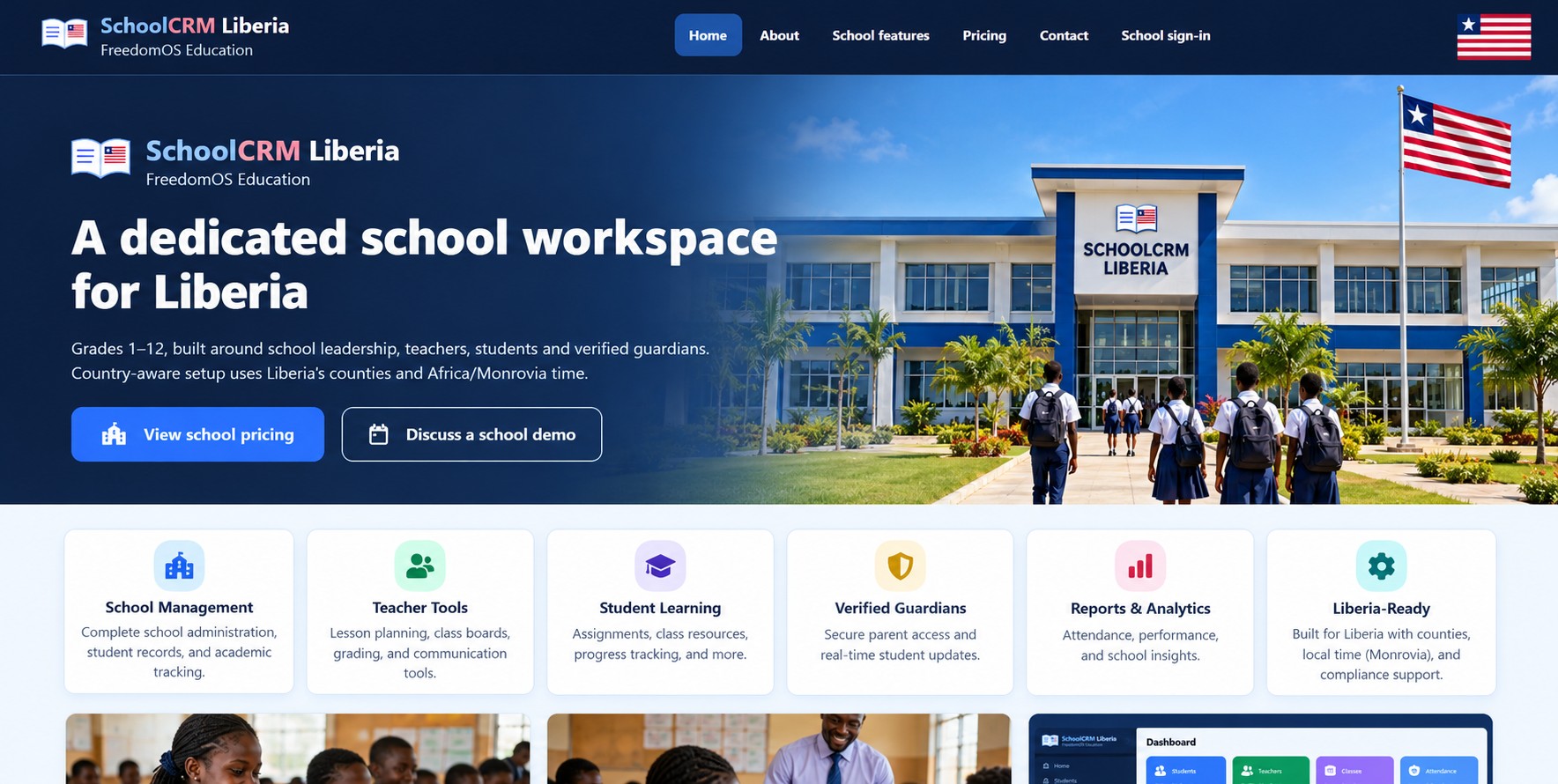 Your school community
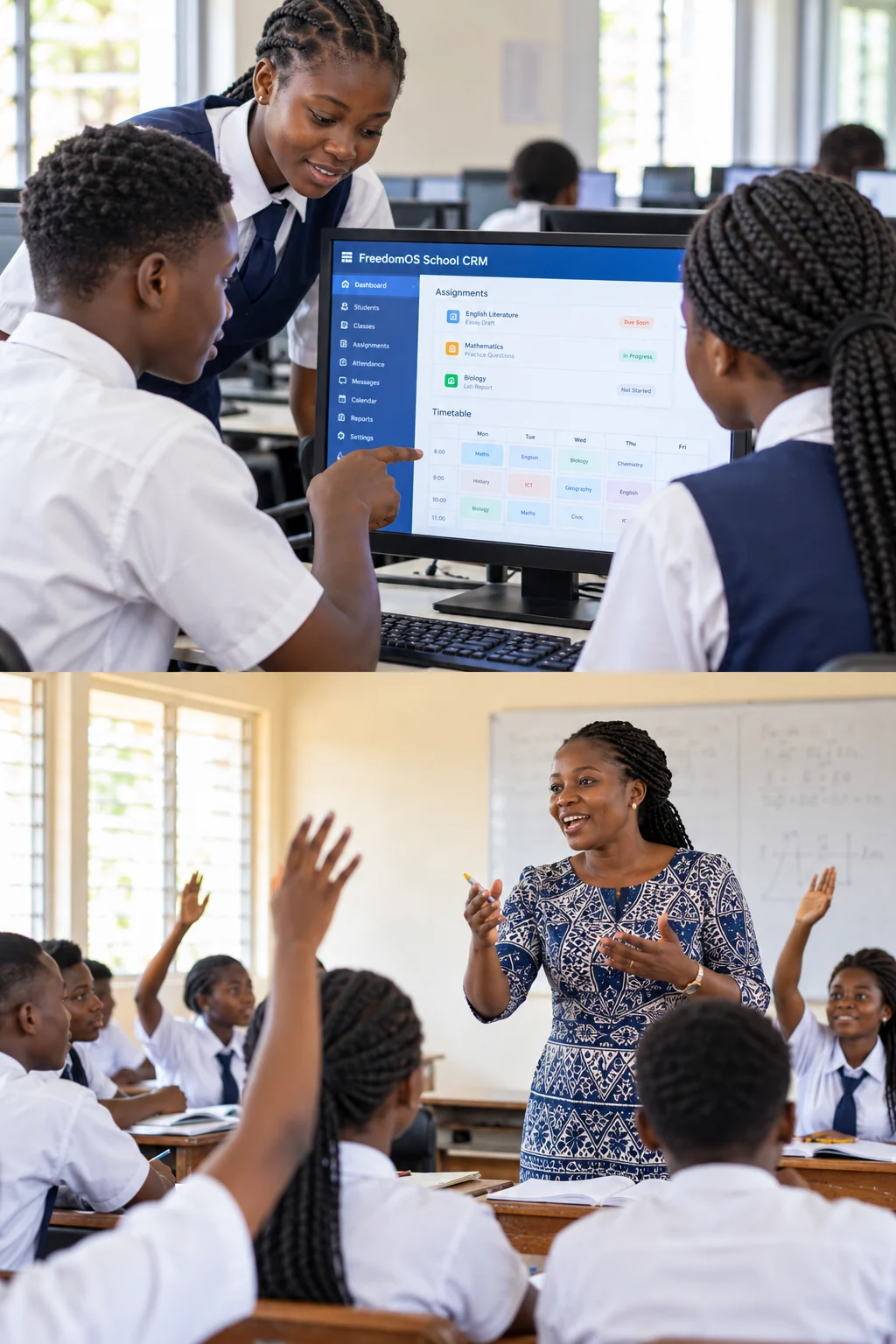 Learning with FreedomOSTeachers making a difference
01Grades 1–12One school community
02Liberia-aware setupCounties and local school context
03Monrovia local timeAfrica/Monrovia
ONE CONNECTED WORKSPACE
Give each part of your school a clear place to work, from the principal’s office to the classroom and home.
See enrollment, attendance, academic approvals and school performance from the principal executive center.
Explore this workflow →Bring assigned classes, lesson notes, assignments, attendance and gradebooks into one teaching workspace.
Explore this workflow →Connect learning materials, assignments and FreedomExam assessments with teacher-led grading.
Explore this workflow →Keep families connected through verified child links and approved academic reports.
Explore this workflow →Organize tuition, collections, spending approvals and reconciliation with separate USD and LRD records.
Explore this workflow →Manage school branding, news, admissions and consent-controlled galleries with draft and publication workflows.
Explore this workflow →A CLEAR NEXT STEP
See the current workspace, understand the estimate, then discuss the needs of your own school.
Explore six role dashboards with fictional records. No account is needed.
Explore dashboards →Compare proposed monthly and annual USD pricing. Staff do not count toward the student band.
Estimate school pricing →Discuss records, staff responsibilities, family access and website setup before activation.
Discuss a school demo →Public previews and inquiries do not create a school account, start billing or activate a trial. Live school use requires onboarding and release approval.
Yes. Explore the public sample dashboards for six school roles. They use fictional records, require no sign-in and cannot change school data.
Start with a demonstration or pricing discussion. The Education team reviews your school’s needs, records and authorized roles before onboarding and activation. An inquiry does not start billing or activate a trial.
Your school provides student access and verifies guardian relationships. Knowing a student ID does not grant access to a child’s records. Existing users can use the school sign-in or student access page.
Discuss your student lists, class assignments and fee records during setup. Supported imports have a review step for field mappings, student identifiers, currencies and totals before saving.
The school workspace includes website editing and publishing tools for school information, programs, news and admissions inquiries. Review the setup and publication responsibilities with the Education team. Public website content stays separate from private student records.
YOUR SCHOOL. CONNECTED.
Explore the plans or talk with the Education team about your school’s needs.